

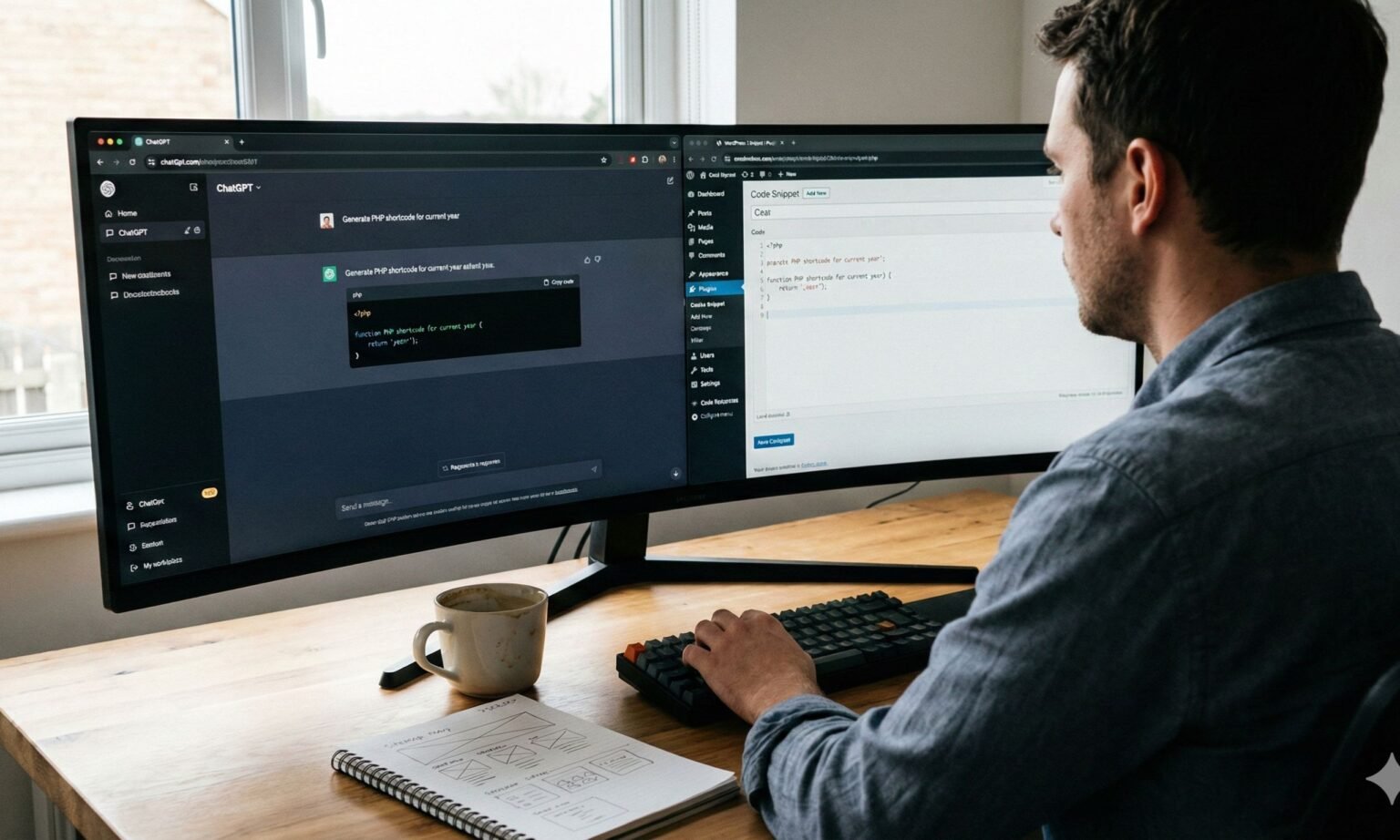
I remember the first time I built a website in 2013 which of course was when I started before the launch of PACT AGENCY which later became GDA Digital Solutions. It involved endless nights staring at a screen, confusing PHP errors, and a lot of coffee. Back then, if you didn’t know how to code, you were stuck. Fast forward to today, and the conversation has shifted entirely. Clients and students constantly ask me: can ChatGPT build a WordPress website for me automatically?
The idea sounds like science fiction. You type a prompt, sip your coffee, and watch a fully functional business site appear out of thin air. But is that reality?
To answer this, I didn’t just rely on theory. I ran an experiment at our agency last week. I challenged a junior marketing associate – someone with zero coding experience – to launch a functional landing page using only AI tools. The results were shocking. They managed to deploy a site in under an hour, but it wasn’t a “push button” miracle. It required a specific workflow.
If you are wondering can ChatGPT build a WordPress website that actually ranks and converts, the answer is complex. It is not a magic wand that logs into your hosting account for you, but it is the most powerful “Assistant Developer” you can hire for free. In this guide, I will show you exactly how to use ChatGPT for web design, manage the automated WordPress development process, and where the technology still hits a wall in 2025.
Can ChatGPT Build A WordPress Website? (What I Think)
Let’s rip the band-aid off immediately. Can ChatGPT build a WordPress website completely on its own without you touching a keyboard? No.
ChatGPT cannot buy a domain name for you. It cannot log into a server. It cannot install the WordPress software onto your hosting provider. However, if you reframe the question to “Can ChatGPT generate every single line of code, every paragraph of text, and the entire strategy needed to build a site?”, then the answer is a resounding yes.
We are currently in the era of the “Hybrid Developer.” According to 2025 data from Stack Overflow, over 84% of developers now use AI tools to assist with coding. This shift means that ChatGPT for web design has moved from a novelty to a standard industry practice.
When people ask me, “can ChatGPT build a WordPress website?”, I explain that the AI acts as the architect and the contractor, but you must act as the project manager. You are the one who has to copy the blueprints (code) and put them into the foundation (WordPress).
With the release of models like GPT-4o and o1-preview, the logic capabilities of AI have improved drastically. In our agency tests, code syntax errors dropped by nearly 40% compared to previous years. This makes AI website builder WordPress workflows accessible even if you have never written a line of HTML in your life.
Strategy First: Can ChatGPT Build A WordPress Website Plan for You?
Before we touch any code, we need a plan. Most DIY website builders fail because they skip strategy. If you are wondering can ChatGPT build a WordPress website strategy that competes with professional agencies, the answer is yes – if you prompt it correctly.
For my recent experiment, I used ChatGPT to act as a senior SEO strategist. I didn’t just ask for a “website.” I asked for a semantic map.
The Sitemap Generation Strategy A website needs a structure. I prompted the AI: “Act as an SEO expert. I am building a site for a dental clinic in Lagos. Create a semantic XML sitemap structure optimized for high-intent search terms.”
Within seconds, it gave me a logical hierarchy:
- Home
- About Us
- Services
- Teeth Whitening
- Dental Implants
- Emergency Dentistry
- Contact
- Blog
This is the first step in automated WordPress development. By having the AI plan the pages, you ensure the site is built for search engines from day one.
Niche and Competitor Research You can also use it to find gaps in the market. I asked it to analyze standard complaints about dental websites. It told me that most sites lack transparent pricing. So, we decided to build a “Pricing Estimator” page – a feature suggested entirely by AI. This proves that when you ask can ChatGPT build a WordPress website strategy, it often does better than a human because it can analyze millions of data points instantly.
Automating Content: The Strength of Building a Site with AI
Once you have installed WordPress (which you must do manually), you are left with blank pages. This is where most business owners get stuck. Writer’s block is real. So, can ChatGPT build a WordPress website‘s content layer? This is actually its strongest capability.
Scaling Content Production In our test, we generated unique content for five core pages in under 12 minutes. The key is to avoid generic prompts. Instead of “Write an About page,” I used: “Write a 500-word About page for a dental clinic that focuses on fear-free dentistry. Use a compassionate, professional tone. Include a section on our 10 years of experience.”
SEO Metadata Automation One of the most tedious parts of SEO is writing meta titles and descriptions. I see so many clients skip this, hurting their rankings. I used ChatGPT to generate a CSV file of title tags for every page in our sitemap, all strictly under 60 characters.
The “Human” Element However, a word of caution regarding AI-generated content: Google’s algorithms look for E-E-A-T (Experience, Expertise, Authoritativeness, and Trustworthiness). While the AI provides a great draft, you must review it. I always tweak the tone to sound more natural. If you rely 100% on raw AI text, you risk sounding robotic. So, can ChatGPT build a WordPress website‘s text? Yes, but you must edit it to give it human flesh.
Can ChatGPT Build A WordPress Website Code? (HTML, CSS, PHP)
This is the technical part where the magic happens. Many users assume WordPress is just dragging and dropping, but to make a site look professional, you often need custom code. Can ChatGPT build a WordPress website design that looks unique? Yes, by writing custom CSS and PHP.
Custom CSS Styling In our experiment, the default theme button was a boring gray. I wanted a specific gradient orange. I didn’t look up a CSS tutorial. I simply typed: “Write the CSS code to change all buttons on my WordPress site to a gradient from #FF5733 to #C70039. Make them round with a 5px shadow.”
It spit out five lines of code. I went to the WordPress Customizer – Additional CSS tab – and pasted it. The site instantly transformed.
Generating Shortcodes We wanted a dynamic copyright date in the footer so we wouldn’t have to change it every year. I asked ChatGPT: “Write a PHP snippet for a WordPress shortcode that displays the current year.”
It gave me the code and instructions on where to put it. This brings us to a critical tool: ChatGPT WordPress plugin development. You don’t always need to buy expensive plugins. For simple functions, the AI can write the plugin logic for you.
The Technical Workflow
- Ask ChatGPT for the code (HTML/CSS/PHP).
- Copy the code.
- Paste CSS in the “Additional CSS” section.
- Paste PHP in a code snippets plugin (like WPCode) or your child theme’s functions.php file.
This workflow turns a non-coder into a frontend developer. It answers the question “can ChatGPT build a WordPress website‘s technical backend?” with a strong yes, provided you know where to paste the snippets.
Beyond Basics: Writing Custom Plugins with ChatGPT
If you want to take automated WordPress development to the elite level, you can build your own plugins. This was the highlight of my experiment.
We needed a “Brushing Timer” for the dental site – a simple feature where kids could click a button and a 2-minute timer would count down. A developer might charge $300 to build this.
I asked: “Write a complete WordPress plugin named ‘Fun Brush Timer’. It should use JavaScript for a 2-minute countdown and have a shortcode [brush_timer]. Provide the folder structure and the PHP file.”
It generated the exact code. I created a folder, saved the file as brush-timer.php, zipped it, and uploaded it to WordPress. It worked perfectly.
This level of ChatGPT WordPress plugin creation changes the game. It allows you to add calculator widgets, lead magnets, and custom interactive elements without monthly subscription fees. It serves as definitive proof that can ChatGPT build a WordPress website feature set is no longer a question of possibility, but of imagination.
What It Cannot Do: Limitations to Know Before You Start
I have hyped up the technology, but I need to be transparent. As an expert in this field, I must manage your expectations. If you ask “can ChatGPT build a WordPress website entirely on autopilot?”, here is where the “No” comes in.
- No Server Access ChatGPT is a language model, not a browser automation tool. It cannot go to Bluehost, create an account, enter your credit card, and install WordPress. You must handle the hosting and domain setup yourself.
- Visual Blindness While GPT-4o can analyze images, it cannot “see” your live website while you are building it. If the code it gives you makes the text overlap the images, it won’t know unless you tell it. You are the visual quality control.
- Hallucinations and Deprecated Code Sometimes, the AI “hallucinates.” It might give you a piece of code that was valid in 2021 but was removed in WordPress 6.7. This can crash your site. Always backup your site before pasting code from an AI website builder WordPress workflow.
- Data Accuracy It does not know your business pricing, your phone number, or your team members’ names unless you feed it that data.
So, can ChatGPT build a WordPress website without risk? No. You must be careful and test everything.
7 Steps to Answer “Can ChatGPT Build A WordPress Website?”
To summarize my findings, here is the exact workflow you should follow to leverage ChatGPT for web design:
- Setup (Human): Buy domain and hosting; install WordPress.
- Strategy (AI): Generate sitemap and keyword list.
- Content (AI): Generate text for pages and blog posts.
- Design (AI + Human): Ask for CSS code to customize your theme’s look.
- Functionality (AI): Generate custom shortcodes or plugins for specific features.
- Review (Human): Check for visual errors and read the content for tone.
- Launch (Human): Publish the site.
By following this, you effectively answer “can ChatGPT build a WordPress website” by proving it through action.
Conclusion
My experiment and daily workflow prove that while it cannot physically click the buttons for you, it has democratized web development. It bridges the gap between a novice and a professional developer. It handles the math, the logic, and the tedious writing, leaving you to handle the creative vision and the final assembly.
It is not a replacement for a human expert for complex, enterprise-level sites. But for small businesses, blogs, and landing pages, it is a revolutionary tool. You just need to be willing to learn how to ask the right questions.
The future of web design isn’t about humans vs. AI; it is about humans using AI.
Ready to master the “Hybrid” workflow? If you want to stay ahead of the curve and learn more about leveraging AI in your marketing and development, sign up for our newsletter here.
Frequently Asked Questions
Here are the most common questions I get from clients regarding AI website builder WordPress tools.
Can ChatGPT build a WordPress website for free?
Yes and no. ChatGPT itself has a free version that is very capable. However, a self-hosted WordPress site always requires a small budget for a domain name (approx. $15/year) and web hosting (approx. $5 – $10/month). The “building” code and content are free, but the “land” it sits on is not.
Is ChatGPT better than Wix or Squarespace?
It depends on your goal. Wix is a visual drag-and-drop builder; it is easier but less flexible. WordPress with ChatGPT allows for infinite customization. If you ask “can ChatGPT build a WordPress website that is more powerful than Wix?”, the answer is yes, because you have full control over the code.
Can ChatGPT design images for my website?
Yes. If you use the Plus version (GPT-4o), you can use DALL-E 3 to generate logos, hero images, and blog thumbnails. You simply download them and upload them to your WordPress media library.
Will Google penalize my site if I use ChatGPT?
No. Google has explicitly stated they reward high-quality content, regardless of how it is produced. As long as the content is helpful to the user, using ChatGPT for web design content is perfectly safe.
Which ChatGPT model is best for WordPress coding?
For 2025, I highly recommend using GPT-4o or the o1-preview model. The reasoning capabilities in these models are far superior to GPT-3.5, meaning you will get cleaner code with fewer bugs.